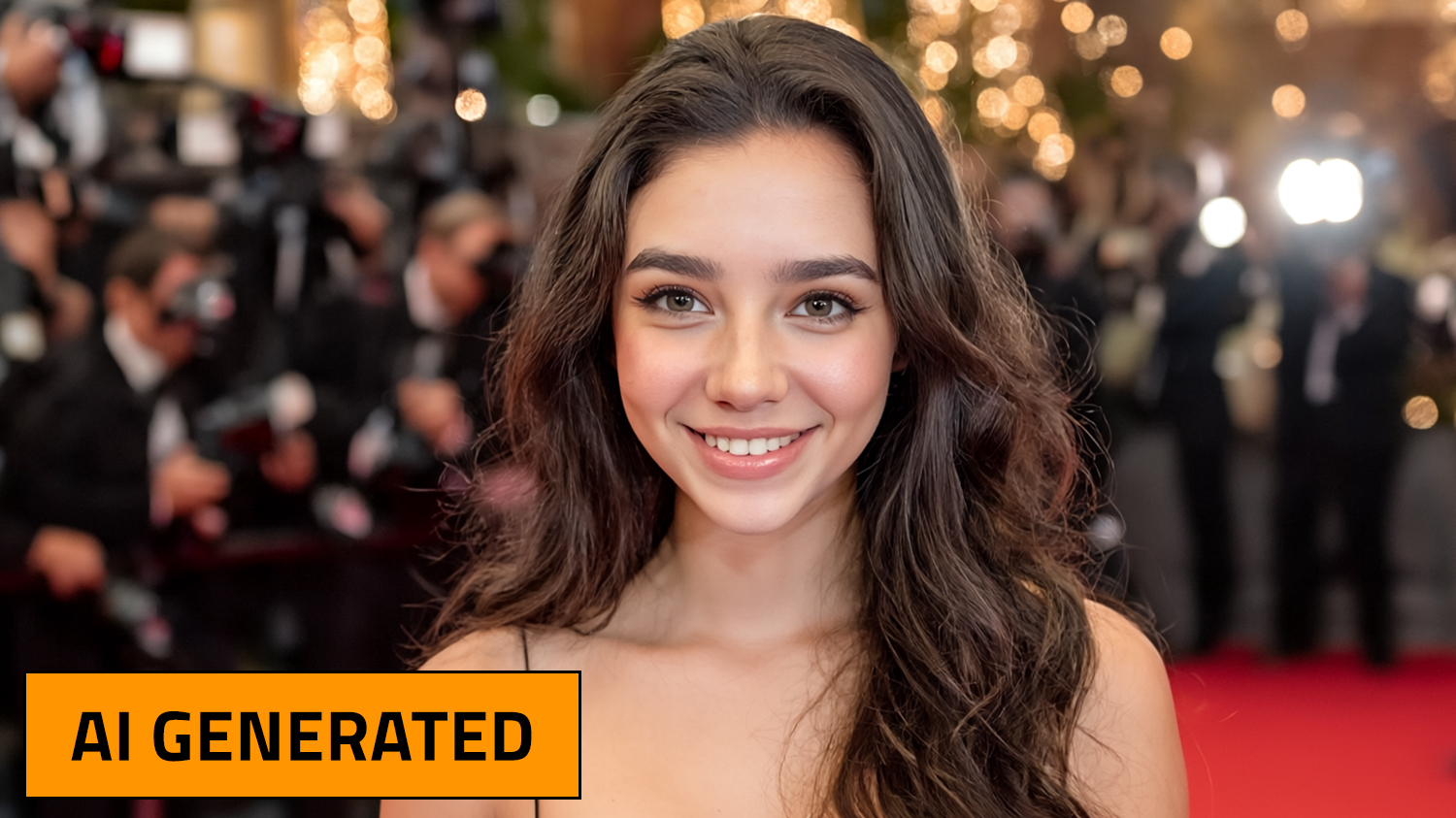

Real or AI?
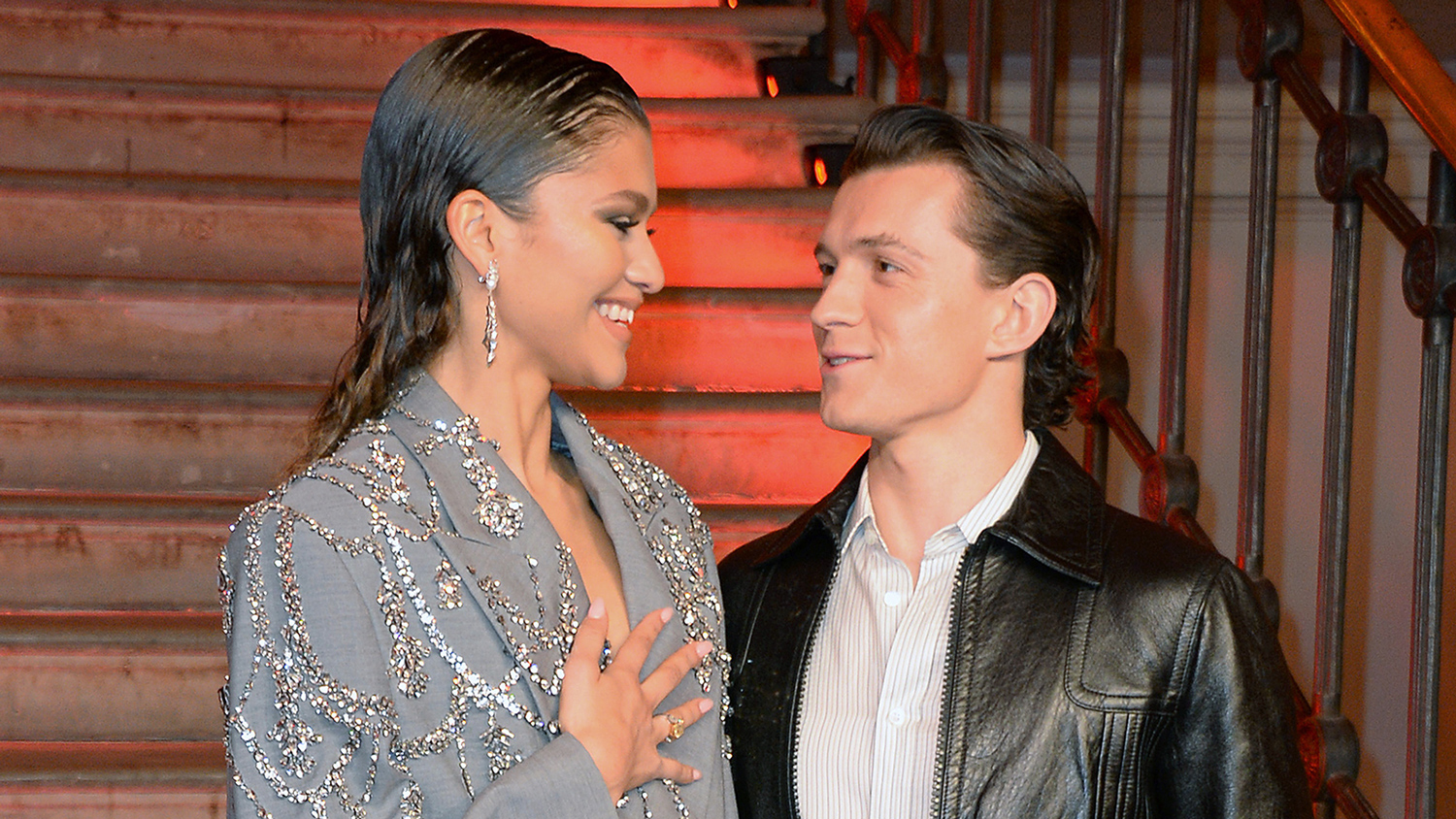
© Dave Benett—Dave Benett Collection/Getty Images
This photo of actors Zendaya and Tom Holland is real. But wedding photos of the couple were generated by artificial intelligence.
Actor Zendaya likes to keep her private life private, so it was surprising when photos of her wedding to actor Tom Holland appeared online. The wedding looked beautiful, and Zendaya said her friends complimented her on how the photos came out. There was only one problem—the photos weren’t real. They had been generated by artificial intelligence (AI).
“Many people have been fooled by them,” Zendaya told late-night host Jimmy Kimmel. “People were like, ‘Your wedding photos are gorgeous.’ And I was like, ‘Babe, they’re AI. They’re not real.’”
It’s a common mistake. AI technology is getting better at creating photos and videos, which means we’re more likely to be fooled by them. A few online tools, like WasItAI and Content Credentials, are designed to tell users whether an image was created by AI. But they’re not always correct.
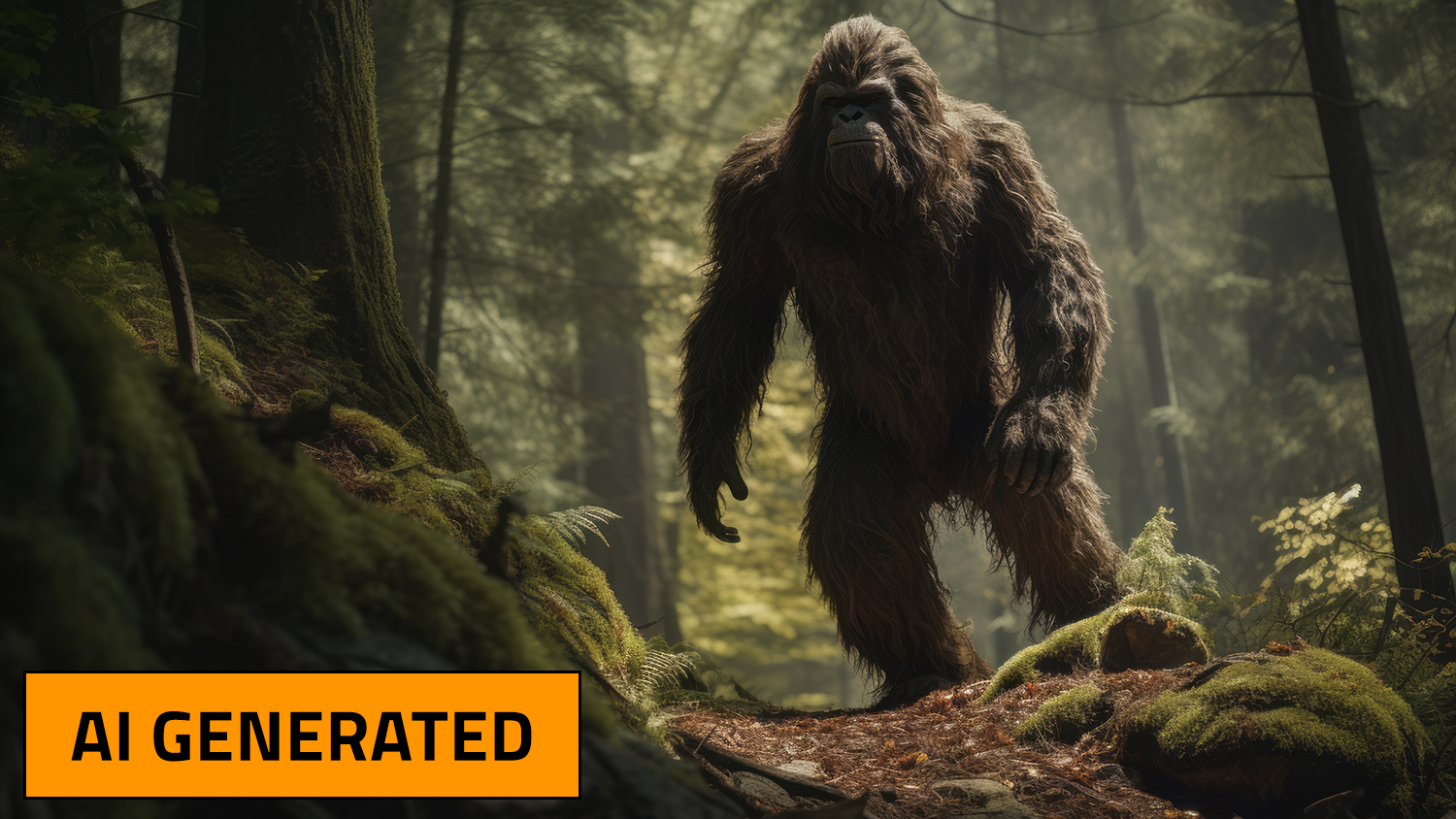
© Brian/stock.adobe.com
It’s not hard to tell that this image is fake, even without the “AI Generated” label. Other images are trickier.
So how can you tell when photos and videos are real? Here are a few tips.
- Study the details. If the photo shows a person, do their fingers look right? Are their ears the same shape as in other photos? Does the face look like the person, or are a few features different?
- Study the words. AI isn’t very good at generating words in a photo. Sometimes a street sign or the words on a person’s clothing will be misspelled or won’t make sense.
- Study the background. If a famous person is shown in a setting that seems unrealistic, the photo may be fake. Did Ariana Grande really pose for a photo with flamingos?
- Study the crispness. If a video seems a little blurry, or if the person’s voice and mouth movements don’t match, it may not be real.
- Read the comments. Sometimes viewers will point out when an image or video is AI, and how they know. These claims aren’t always correct, but if a lot of people have evidence that it’s AI, they may be right.
- Use reverse image search. Google and other search engines have a “reverse image search” capability. This lets you upload the image to learn who created it and where else it is being used. If the image is being used by trustworthy websites like the Associated Press or Britannica, it’s probably real. But if the image appears only on social media accounts, then its authenticity may be more questionable.
AI is getting cleverer. But so far, there are still ways to keep ahead of it!